
Papyro Reader for Android
A quiet place to read your PDFs.
Papyro keeps your PDFs on your phone, sorted onto shelves, and turns their pages the way paper does. There is no account to make and nothing is uploaded.
Free · No ads · Works offline
The page
Pages, not a scroll.
Most PDF apps show a book as one long ribbon. Papyro shows it a page at a time. Pull the edge of the page and it lifts and curls in your hand; pull it past the middle and it turns over.
Let go too early and the page settles back where it was. Taps do nothing at all, so a stray thumb won't lose your place on the bus.
- Corners fold. Lift a top or bottom corner and you get a dog-ear, not a flat flip.
- Text fits the screen. Wide printed margins are trimmed so the words are bigger.
- Long-press for the menu. Bookmarks, page colour and go-to-page stay out of the way until you want them.
The library
A library you can find things in.
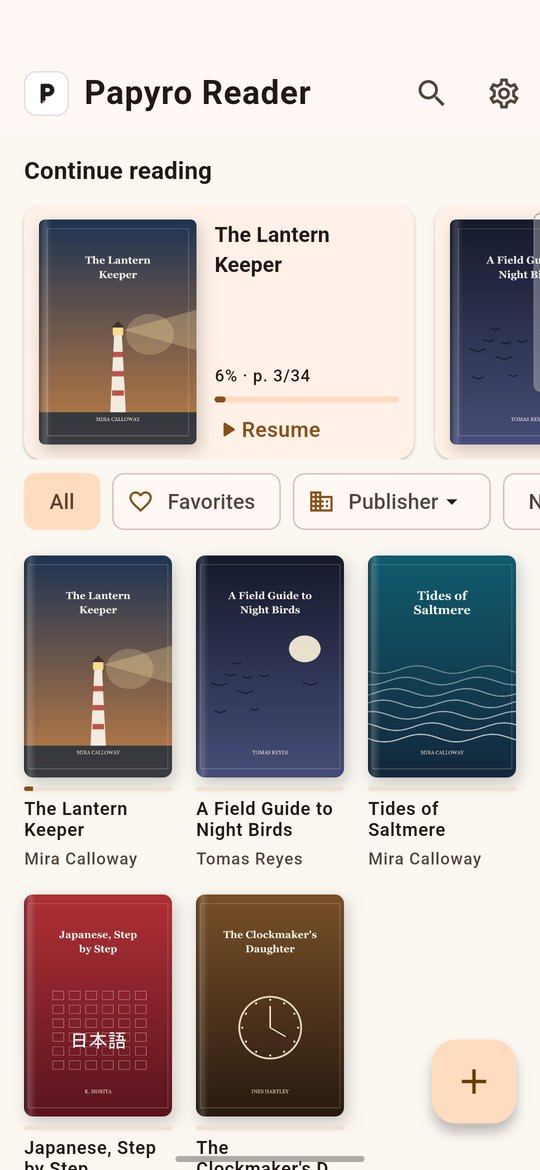
Add PDFs from your phone and Papyro keeps its own copy, so a book stays put even if you tidy up your downloads later.
Make shelves for the way you read: novels, coursework, recipes. A book sits on one shelf at a time. Put it on another and Papyro moves it there and tells you so.
- Search by title, author, publisher or ISBN.
- Look up details from an ISBN when a PDF doesn't carry them.
- Pick up where you left off from the shelf at the top.
The light
Light to read by.
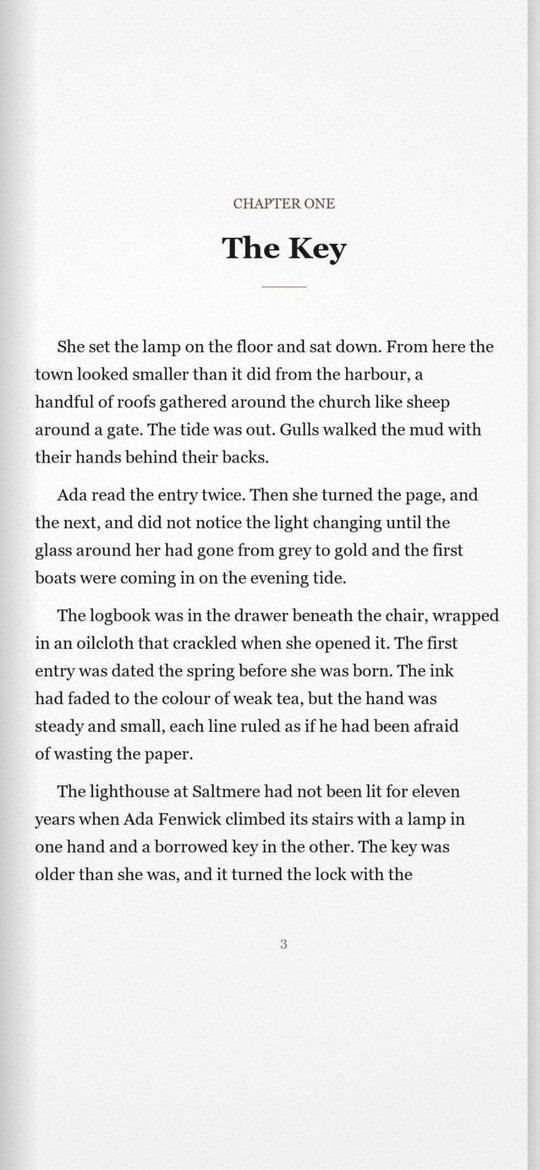
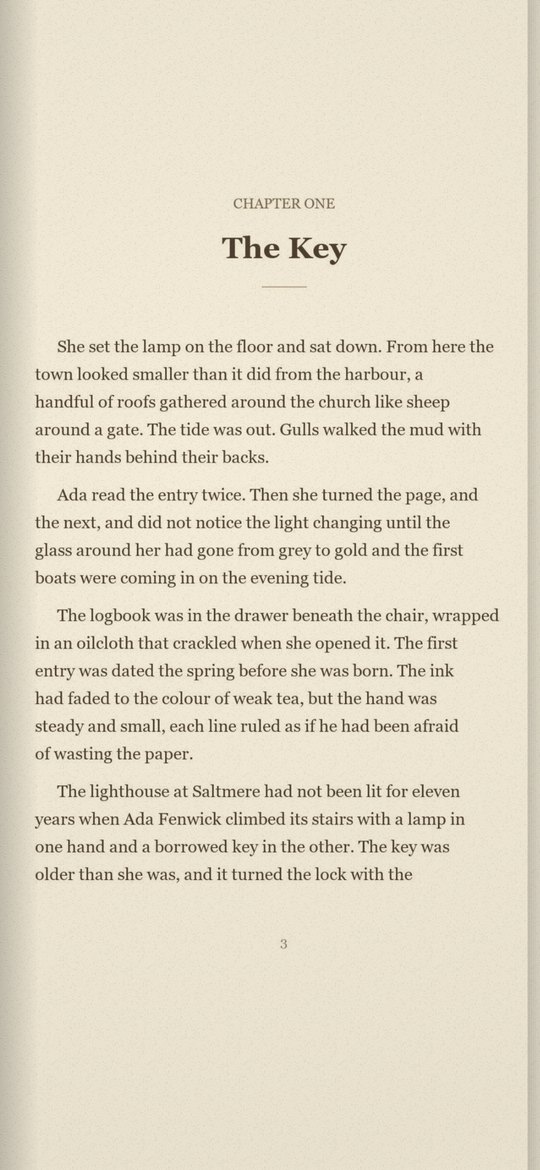
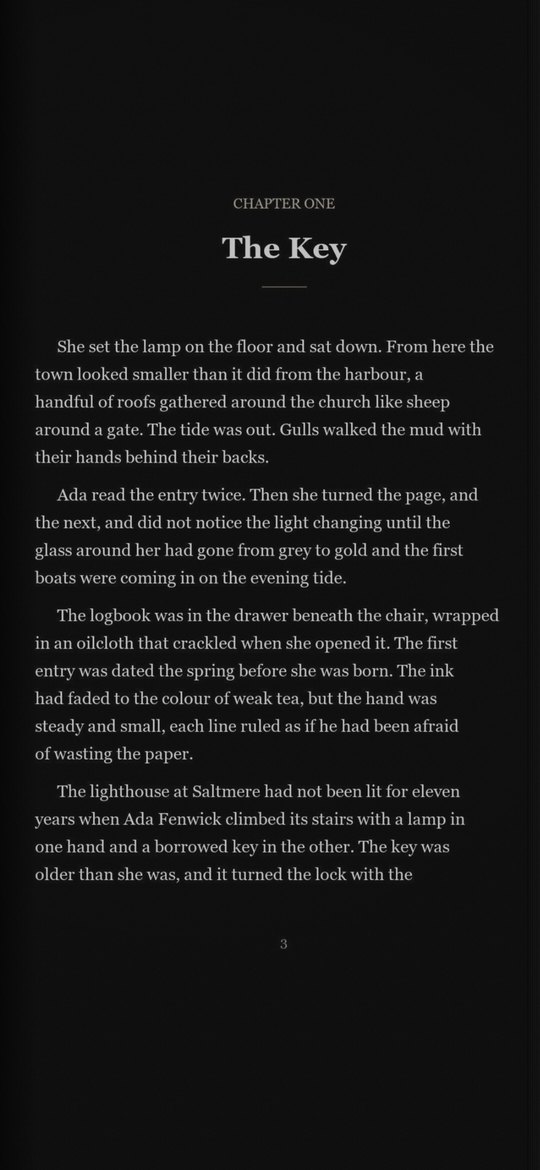
Day for daylight, sepia for a softer page, night for reading in bed. Night mode inverts the paper and the ink but keeps colours true, so a red heading stays red. Black & White turns every page crisp and plain, like an e-ink reader.
Your books stay on your phone. That's the whole arrangement.
No accounts, no cloud copy of your library, no ads and no tracking. Papyro only goes online when you ask it to look up a book by ISBN, or to fetch the latest version of its legal pages. Read the privacy policy.